How to Build Your Own AI Fitness Coach Using Open-Source LLMs and Gradio:

Stuck behind a paywall? Read for Free!
In this tech-savvy age, why pay for a fitness trainer when you can build your own AI coach? Imagine having a custom workout plan tailored specifically for your goals, health conditions, and lifestyle. Using the power of AI, we can create a personalized fitness routine that adapts to your progress and keeps you motivated! In this article, I’ll walk you through the step-by-step process of creating an AI fitness coach using Gradio and LangChain with open-source LLMs.
Let’s break it down and explore how AI can transform your fitness journey.
The Vision: AI as Your Fitness Trainer
We’re building an AI fitness coach that:
- Collects user data like age, weight, and fitness goals.
- Generates a personalized fitness routine.
- Gathers user feedback after each session and updates the plan accordingly.
- Tracks your progress over time.
- Motivates you with encouragement and tips.
Sounds exciting, right? Let’s dive into the implementation!
What is LangGraph and Why Is It So Exciting?
LangGraph is like the mastermind behind multiple AI agents working together to get things done — think of it as the blueprint for how different tasks are managed, shared, and processed in an intelligent flow.
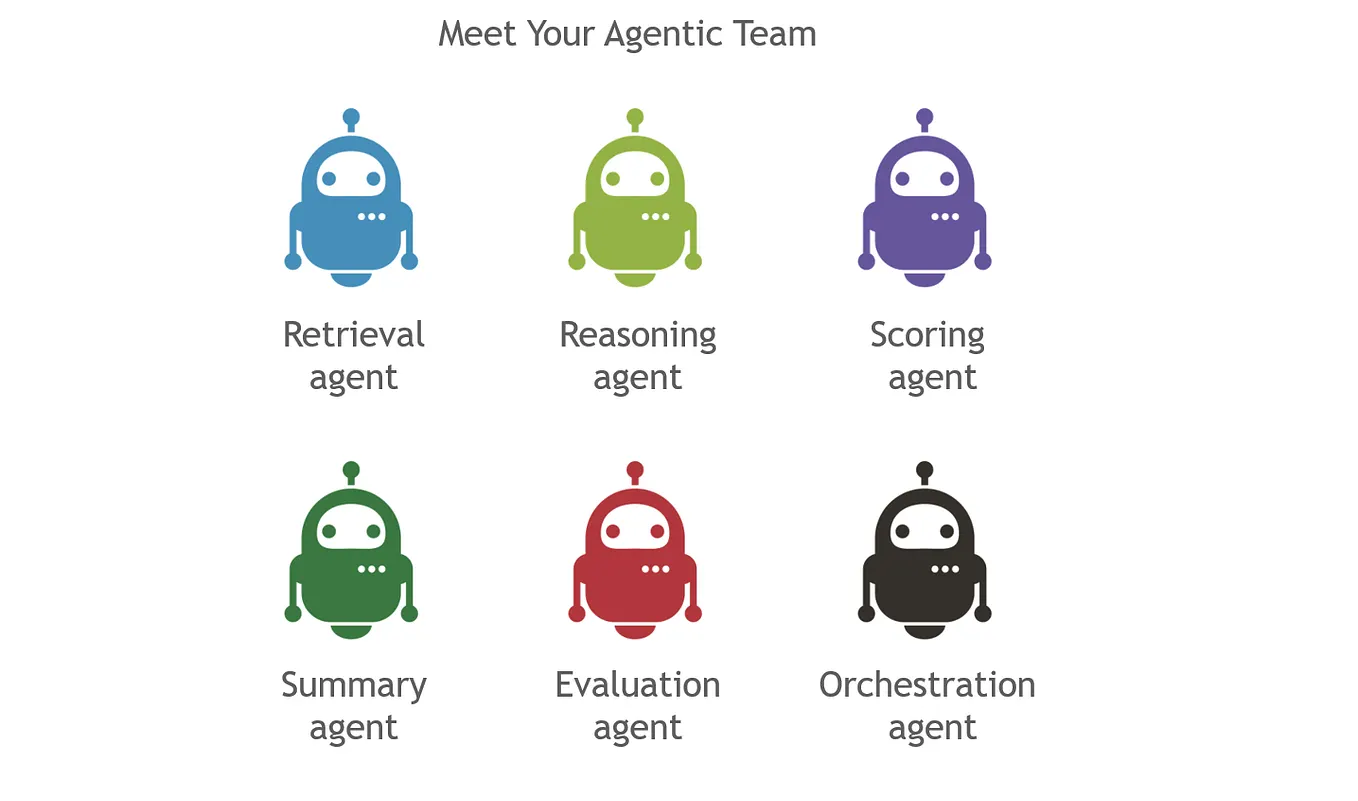
In a typical AI application, you usually have one agent doing all the work. But what if you need multiple agents that can each focus on a specific task? For example, one agent handles user data, another builds a fitness plan, a third agent collects feedback, and another keeps track of your progress. That’s where LangGraph comes in!
Breaking Down the Concept:
LangGraph is designed to create stateful workflows for agents. What that means is, instead of doing things in a linear way, like simple code execution, it treats each step of your application as a state in a graph. These states communicate with each other in a logical flow, much like a series of connected rooms in a building.
Get Anoop Maurya’s stories in your inbox
Join Medium for free to get updates from this writer.
Each of these “rooms” or states can perform a specialized function, and LangGraph ensures they collaborate smoothly. If you think about it, creating a fitness routine isn’t just about listing exercises. It’s about:
- Understanding your personal goals and limitations.
- Designing a workout plan based on your body type, preferences, and fitness goals.
- Adjusting that plan as you give feedback or progress over time.
- Motivating you by keeping track of how well you’re doing.
Each of these is a separate state, and LangGraph allows me to handle them independently while maintaining the bigger picture.
Step 1: Setting Up the AI Fitness Coach
The AI Fitness Coach will work as a series of agents, each responsible for a different task, such as collecting user input, generating fitness routines, analyzing feedback, and tracking progress. These agents collaborate to create an interactive and adaptive fitness trainer.
from typing import Annotated, TypedDict, List
from langgraph.graph import StateGraph, END
from langchain_community.chat_models import ChatOllama
from langchain_core.prompts import ChatPromptTemplate
from langchain_core.output_parsers import StrOutputParser
from langgraph.graph.message import add_messages
from langchain_core.messages import HumanMessage, AIMessage
import json

# State definition
class State(TypedDict):
    user_data: dict
    fitness_plan: str
    feedback: str
    progress: List[str]
    messages: Annotated[list, add_messages]

# Utility function to get Ollama LLM
def get_ollama_llm(model_name="tinyllama"):
    return ChatOllama(model=model_name)
Here, we define the State class that stores user data, fitness plans, feedback, and progress. We also create a utility function to fetch the Ollama model for generating text.
Step 2: The User Input Agent
The first step is to collect user data, such as age, weight, and fitness goals, to create a user profile. This profile is structured as JSON for easy processing.
def user_input_agent(state: State, llm):
    prompt = ChatPromptTemplate.from_template(
        """You are an AI fitness coach assistant. Process the following user information:

        {user_input}

        Create a structured user profile based on this information. Include all relevant details for creating a personalized fitness plan.
        Return the profile as a valid JSON string."""
    )
    chain = prompt | llm | StrOutputParser()
    user_profile = chain.invoke({"user_input": json.dumps(state["user_data"])})

    try:
        state["user_data"] = json.loads(user_profile)
    except json.JSONDecodeError:
        pass
    return state
This agent processes user inputs (like age, weight, and workout preferences) and generates a structured profile that the fitness coach will use to build a workout plan.
Step 3: The Routine Generation Agent
Once we have the user profile, it’s time to generate a personalized fitness plan. This agent will craft a plan that includes workout types, duration, intensity, and even rest days.
def routine_generation_agent(state: State, llm):
    prompt = ChatPromptTemplate.from_template(
        """You are an AI fitness coach. Create a personalized fitness routine based on the following user data:

        {user_data}

        Create a detailed weekly fitness plan that includes:
        1. Types of exercises
        2. Duration and frequency of workouts
        3. Intensity levels
        4. Rest days
        5. Any dietary recommendations"""
    )
    chain = prompt | llm | StrOutputParser()
    plan = chain.invoke({"user_data": json.dumps(state["user_data"])})
    state["fitness_plan"] = plan
    return state
This agent provides a structured weekly fitness plan tailored to the user’s profile. The workout routine will include cardio, strength training, or whatever preferences the user selects.
Step 4: Feedback and Adjustments
After every workout session, users can give feedback. Based on this feedback, the AI coach can adjust the workout routine to better suit the user’s needs.
def feedback_collection_agent(state: State, llm):
    prompt = ChatPromptTemplate.from_template(
        """Analyze the following user feedback on their recent workout session:

        Current fitness plan: {current_plan}
        User feedback: {user_feedback}

        Suggest any immediate adjustments."""
    )
    chain = prompt | llm | StrOutputParser()
    feedback_summary = chain.invoke({"current_plan": state["fitness_plan"], "user_feedback": state["feedback"]})
    return state
This agent collects feedback, analyzes it, and proposes changes to the current fitness routine if necessary.
Step 5: Motivational Agent
Finally, what’s a coach without motivation? The motivational agent sends encouraging messages to keep users on track.
def motivational_agent(state: State, llm):
    prompt = ChatPromptTemplate.from_template(
        """Provide encouragement, tips, or reminders to the user:

        User Data: {user_data}
        Current Plan: {current_plan}
        Recent Progress: {recent_progress}"""
    )
    chain = prompt | llm | StrOutputParser()
    motivation = chain.invoke(
        {"user_data": str(state["user_data"]), "current_plan": state["fitness_plan"], "recent_progress": state["progress"][-1] if state["progress"] else ""}
    )
    return state
This agent sends motivational messages, offers helpful tips, and reminds users of their progress to keep them motivated.
Step 6: Building the User Interface with Gradio
To make this AI fitness coach accessible, we use Gradio to build an intuitive web interface where users can enter their data, generate plans, and give feedback.
import gradio as gr

# Gradio UI
with gr.Blocks() as demo:
    gr.Markdown("# AI Fitness Coach")

    # Tab for creating the initial fitness plan
    with gr.Tab("Create Fitness Plan"):
        age = gr.Number(label="Age")
        weight = gr.Number(label="Weight (kg)")
        height = gr.Number(label="Height (cm)")
        gender = gr.Radio(["Male", "Female", "Other"], label="Gender")
        primary_goal = gr.Dropdown(["Weight loss", "Muscle gain", "Endurance improvement", "General fitness"], label="Primary Goal")
        target_timeframe = gr.Dropdown(["3 months", "6 months", "1 year"], label="Target Timeframe")

        workout_preferences = gr.CheckboxGroup(["Cardio", "Strength training", "Yoga", "HIIT"], label="Workout Preferences")
        workout_duration = gr.Slider(15, 120, step=15, label="Workout Duration (minutes)")
        workout_days = gr.CheckboxGroup(["Monday", "Wednesday", "Friday"], label="Workout Days")
        activity_level = gr.Radio(["Sedentary", "Lightly active", "Moderately active", "Highly active"], label="Activity Level")

        health_conditions = gr.Textbox(label="Health Conditions")
        dietary_preferences = gr.Textbox(label="Dietary Preferences (Optional)")

        create_button = gr.Button("Create Fitness Plan")
        plan_output = gr.Textbox(label="Your Fitness Plan")

        create_button.click(
            process_user_input,
            inputs=[age, weight, height, gender, primary_goal, target_timeframe, workout_preferences,
                    workout_duration, workout_days, activity_level, health_conditions, dietary_preferences],
            outputs=plan_output
        )

    # Tab for updating the fitness plan based on feedback
    with gr.Tab("Update Fitness Plan"):
        feedback = gr.Textbox(label="Feedback")
        update_button = gr.Button("Update Fitness Plan")
        updated_plan_output = gr.Textbox(label="Updated Fitness Plan")

        update_button.click(update_plan, inputs=[feedback], outputs=updated_plan_output)

# Launch Gradio demo
demo.launch()
The Gradio UI allows users to easily interact with the AI coach and manage their fitness journey.


Conclusion
With just a few lines of code and the right tools, you can build your very own AI-powered fitness coach. By integrating language models like Ollama with interactive interfaces using Gradio, you can personalize fitness plans and provide real-time feedback. Whether you’re looking to lose weight, build muscle, or improve endurance, this AI fitness coach will keep you motivated and on track.
Try the code, customize it, and start your fitness transformation today with the power of AI!
Additional Resource:
Complete Code:https://github.com/imanoop7/AI-Agents-as-Personal-Trainers--Customizing-Fitness-Routines-with-LLMs
Ollama Official WebSite: https://ollama.com/
Ollama Github: https://github.com/ollama/ollama?tab=readme-ov-file
Cheat Sheet: https://cheatsheet.md/llm-leaderboard/ollama.en
My GitHub: https://github.com/imanoop7
LinkedIn: www.linkedin.com/in/anoop-maurya-908499148
X: https://x.com/imanoop_7
Official Langgraph:https://www.langchain.com/langgraph